
A playable auditory reaction test
Audio reaction time test
What does an audio reaction time test measure?
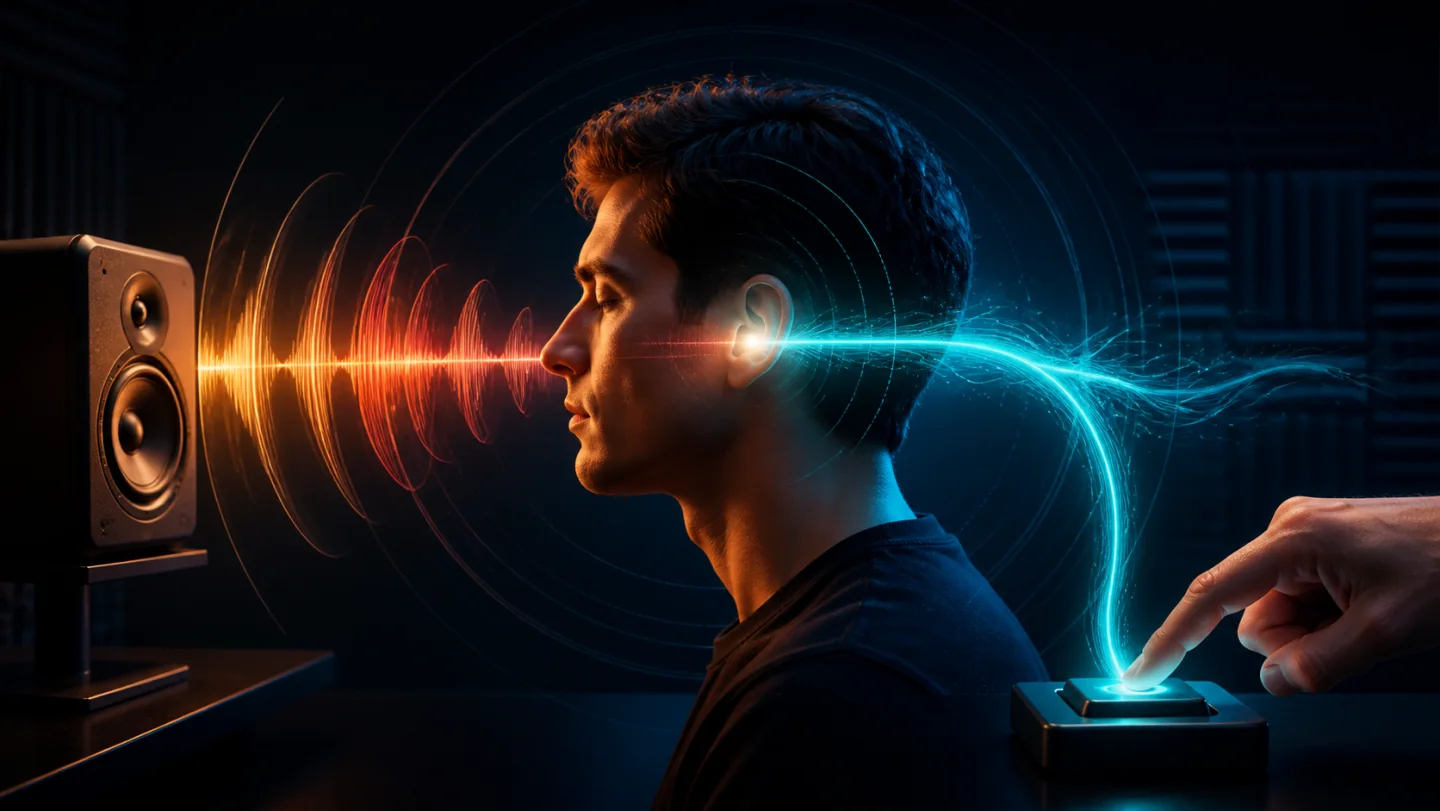
An audio reaction time test measures the recorded delay between a sound cue and your response. Start an attempt, listen for the beep, then click, tap or press Space or Enter. Finish five valid attempts to see your average and best. The result includes browser, audio-output and input delay.
To put this topic in context, compare it with the visual reaction time test, try the reaction time score comparison, and follow the practical reaction-time training plan. The reaction time guide library connects every benchmark and test mode.
How to test auditory reaction time
- Choose your speakers or headphones and set a comfortable volume.
- Click, tap or use Space or Enter on the test button to start. This interaction also lets the browser enable audio.
- Listen for the beep. Respond once when you hear it; an early response cancels the attempt.
- Complete five valid attempts. Note your average and best, plus the device, input and sound output.
- Repeat on the same setup. Use the main reaction test to save local history, compare medians and export a CSV.
Audio versus visual reaction time
In controlled experiments, sound and visual cues can produce different response times. Hanson, Whitaker and Heron (2009) also showed that divided attention affects the modalities differently. Their calibrated experiment with five adults is not a universal browser benchmark.
For a personal comparison, take a complete audio set and a complete visual reaction test set with the same input and device. Repeat in the reverse order to check whether order or familiarity affected your result. Keep the two averages separate.
What the sound reaction score includes
The clock starts when this widget schedules its beep, not when a microphone detects sound at your ears. Audio processing, speakers or headphones and your input device all contribute to the recorded delay. The Web Audio specification describes the audio processing and output path.
Bluetooth introduces a wireless stage; total delay still varies with the equipment. This test applies no fixed correction. The device latency guide explains how to keep a comparison fair.
If the beep is missing
Check the tab mute setting, device volume and selected output, then start the test with a deliberate click or key press. Use a supported browser with JavaScript enabled. If you cannot hear the cue, stop and check the output before saving a session. This sound test does not assess hearing ability.
Audio reaction time test questions
Are audio and auditory reaction time tests the same?
Yes. Audio and auditory describe the sound cue used in this test. You respond to a beep rather than a color change; the result is recorded in milliseconds.
How do I take a reaction time test with sound?
Set a comfortable volume, start an attempt, and wait for the beep. Click, tap or press Space or Enter once when you hear it. An early response is a false start; complete five valid attempts for the session average.
Why can my audio score be slower than my visual score?
The browser schedules a tone, but the audio system takes time to deliver it to your ears. Different output paths, attention and normal variation can change the result. Compare repeated sets using the same setup.
Why is there no sound in the audio reaction test?
Start the test with a click, tap or key press, check the device volume and tab mute setting, and confirm the correct speakers or headphones are selected. If the cue remains inaudible, stop the set and check your output before recording a result.
Should I use wired headphones or Bluetooth?
A wired connection avoids the wireless transmission stage, but both paths still have delay. Keep the same headphones or speakers throughout your comparison. This tool does not apply a universal Bluetooth correction.
Does this sound reaction test measure hearing ability?
No. It measures a response to a beep on your current setup. It does not assess hearing thresholds or diagnose a hearing condition.
Explore the measurement
For a fair comparison, read the guide to screen refresh rate and input latency.
Sources and measurement notes
These references explain the timing method and the limits of browser-based comparisons.