Check reaction time online
Reaction Time Test
Click, tap, or press Space when the screen turns green. Take five attempts to measure your reaction speed in milliseconds and see your average, median, and best. Free, with no signup.
- Live stats
- 6 test modes
- No signup needed
Visual test
Free online reaction test
Classic red-to-green simple reaction time.
Measurement notes
Fast timing, honest limits
This tool uses the browser's high-resolution clock. Your result still includes display, browser, operating-system, and input-device delay, so it is best used to compare repeated sessions on the same setup.
Average Reaction Time · Reaction Time Score Comparison · Visual Reaction Time Test
How it works
How to take the reaction time test
This reaction time test starts the timer when the cue appears and stops it on your click, tap, Space, or Enter press. A full set is averaged so one early hesitation or lucky guess does not dominate your result.
- Click or tap the panel, or press Space or Enter, to start.
- Wait for the red panel to turn green. Pressing early is a false start and does not count.
- Respond once as soon as you see green. Your time appears in milliseconds (ms).
- Repeat for five valid attempts, then compare your average, median and best.
Understand your result
What does your reaction time score mean?
Reaction time is the delay between a cue and your response. One millisecond is one thousandth of a second: 150 ms is 0.15 seconds, 250 ms is a quarter second, and 350 ms is 0.35 seconds. Lower times mean faster recorded responses.
Woods et al. (2015) reported a 231 ms mean in one controlled visual task, or 213 ms after measuring and correcting their hardware delay. These study values do not rank visitors to this site. Read the average reaction time guide and score comparison guide for context.
More than one test
Six ways to measure reaction time
Guides
Reaction Time Guides
Browse practical guides for understanding reaction time scores, improving reflex speed, and comparing visual, audio, F1, and gaming-focused test modes.
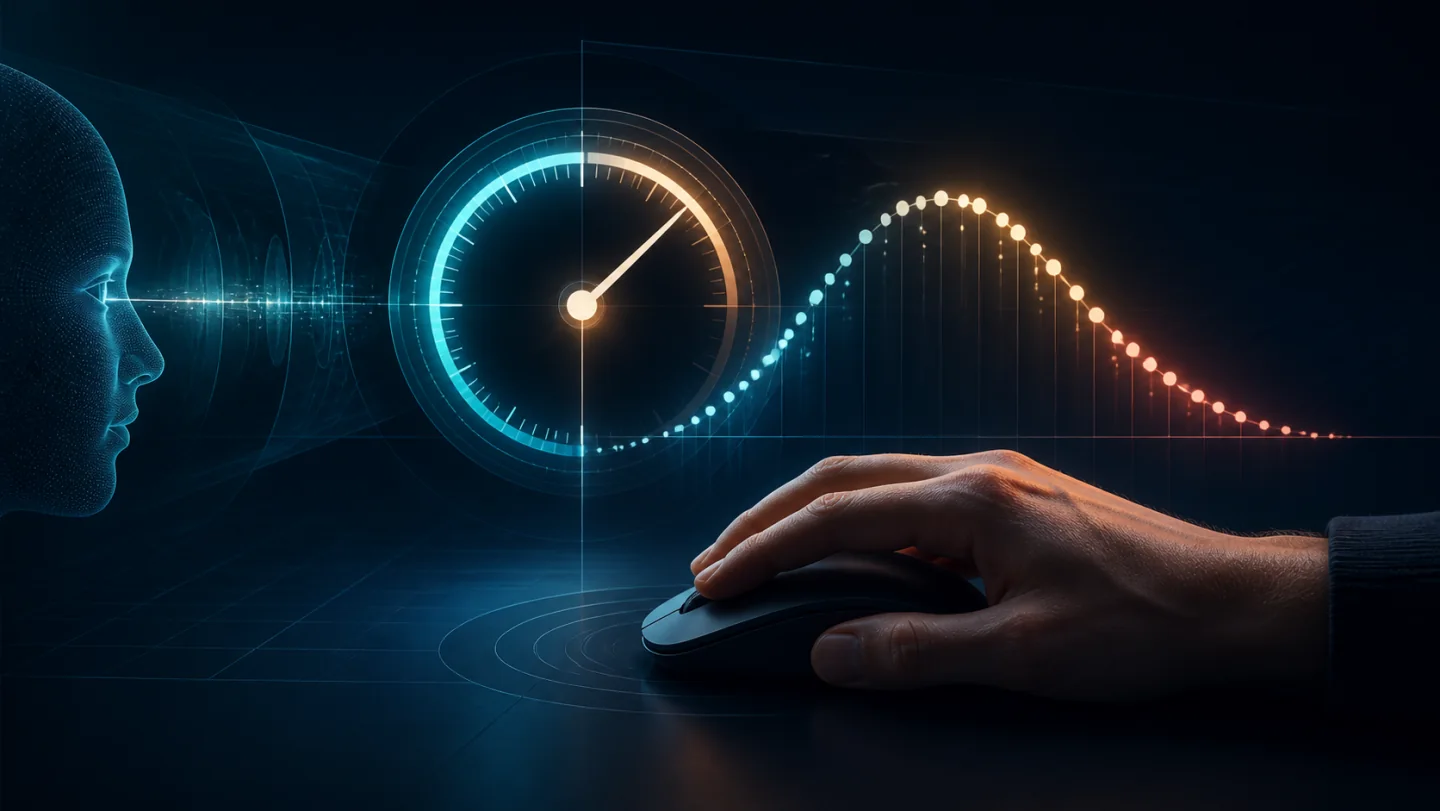 Average Reaction TimeUnderstand common ranges and what your browser-test score means.
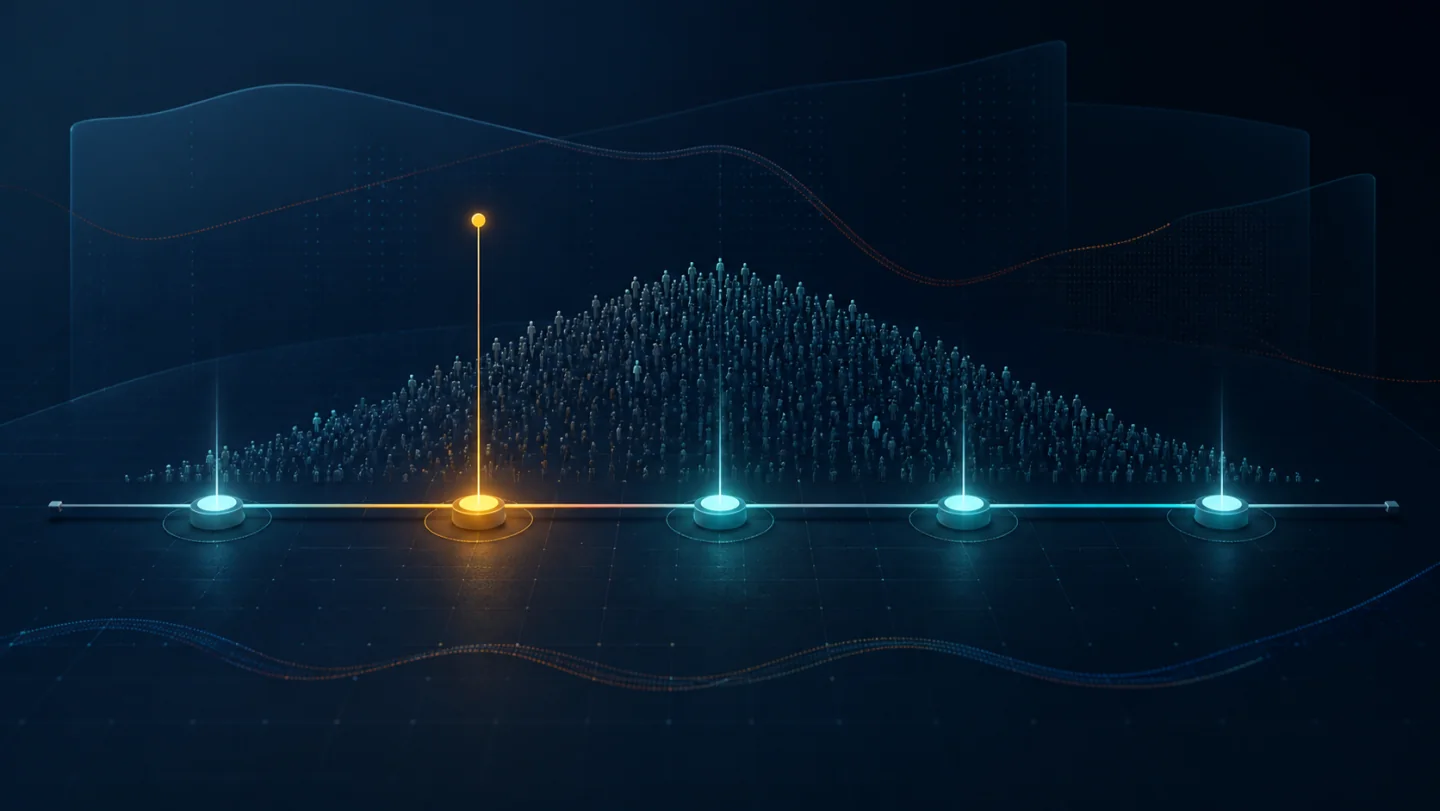 Reaction Time Score ComparisonCompare fast, average, and slower scores with fair setup notes.
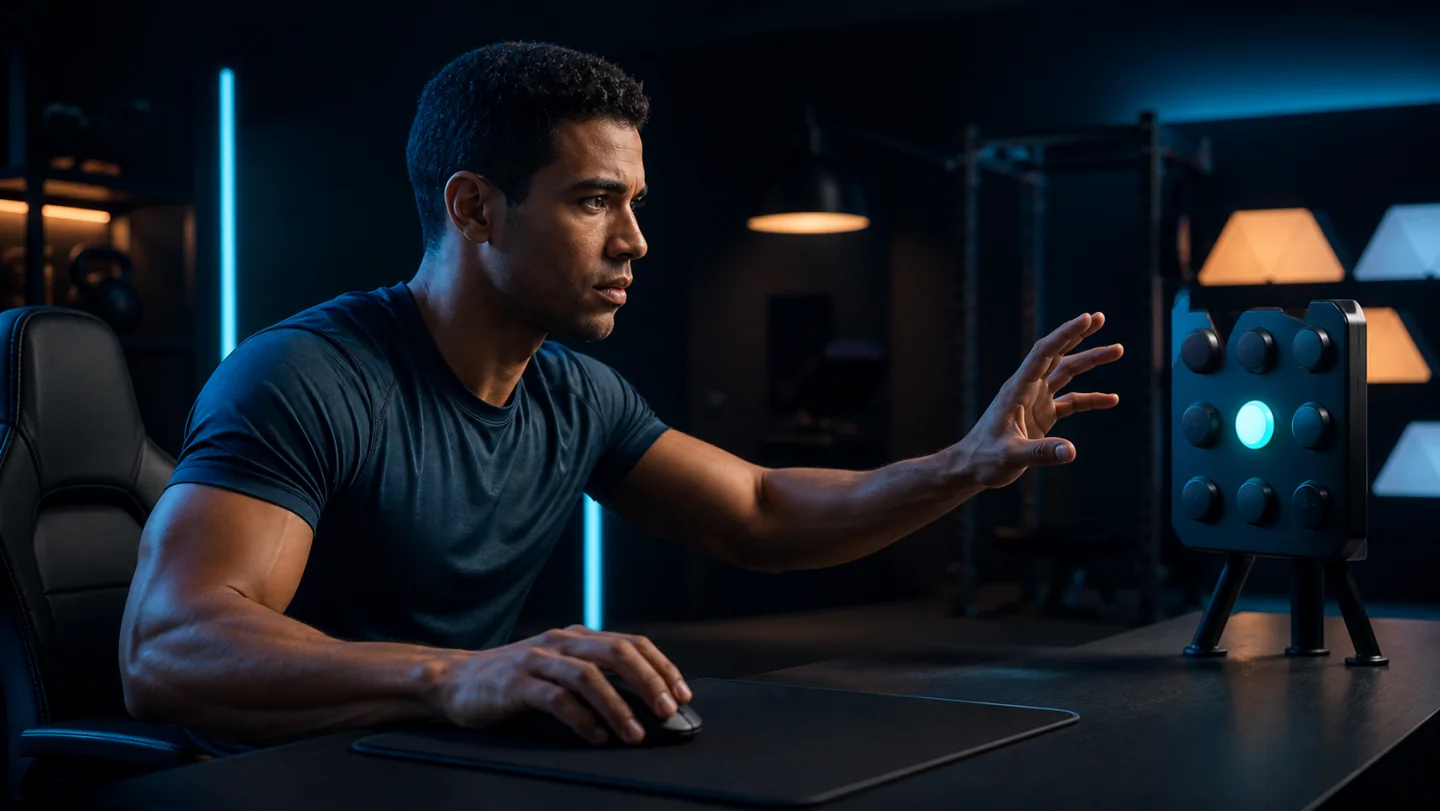 How to Improve Reaction TimeTrain with short practice sets, less device lag, and better focus.
 Visual Reaction Time TestLearn how red-to-green reflex testing works and what affects it.
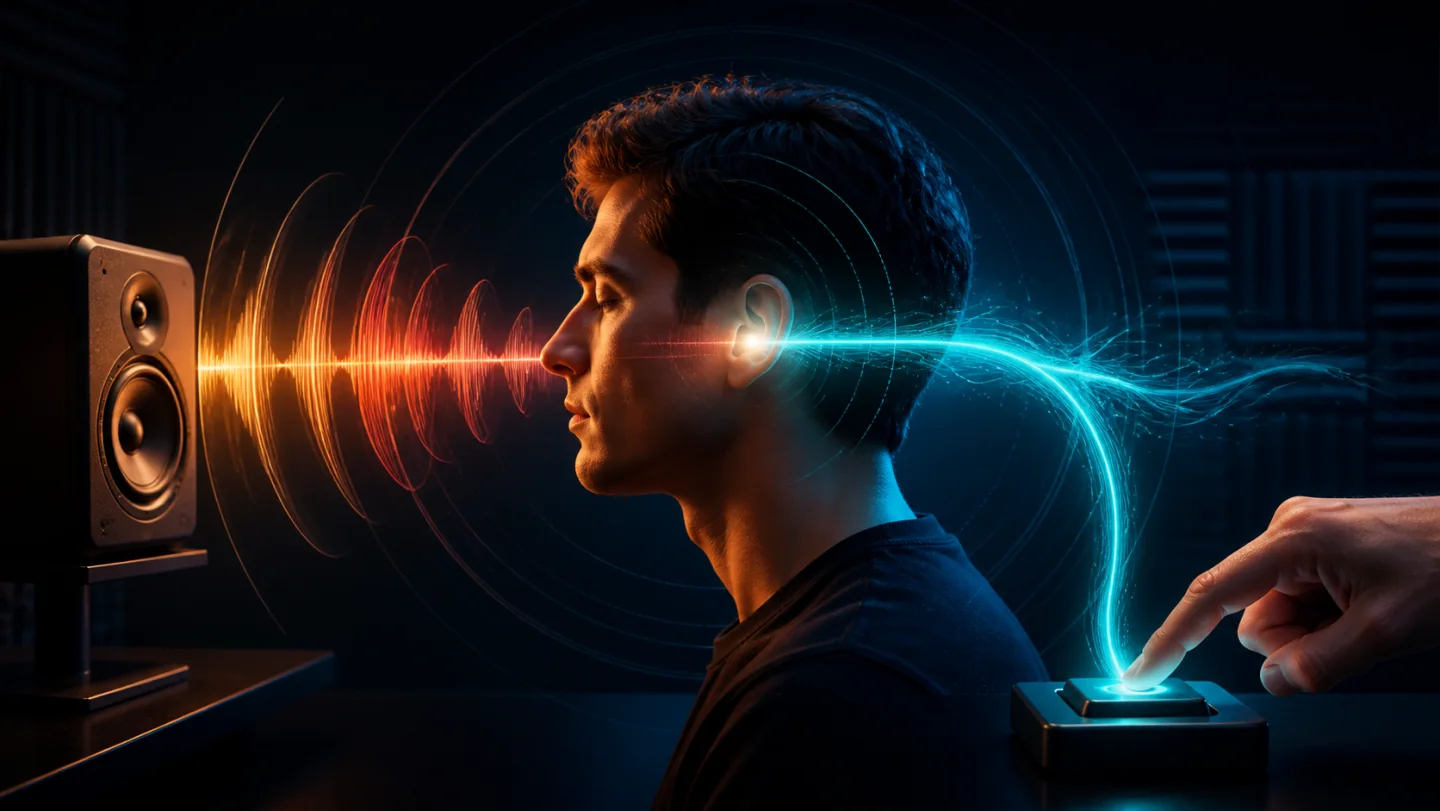 Audio Reaction Time TestCompare sound-based reflex timing with visual reaction scores.
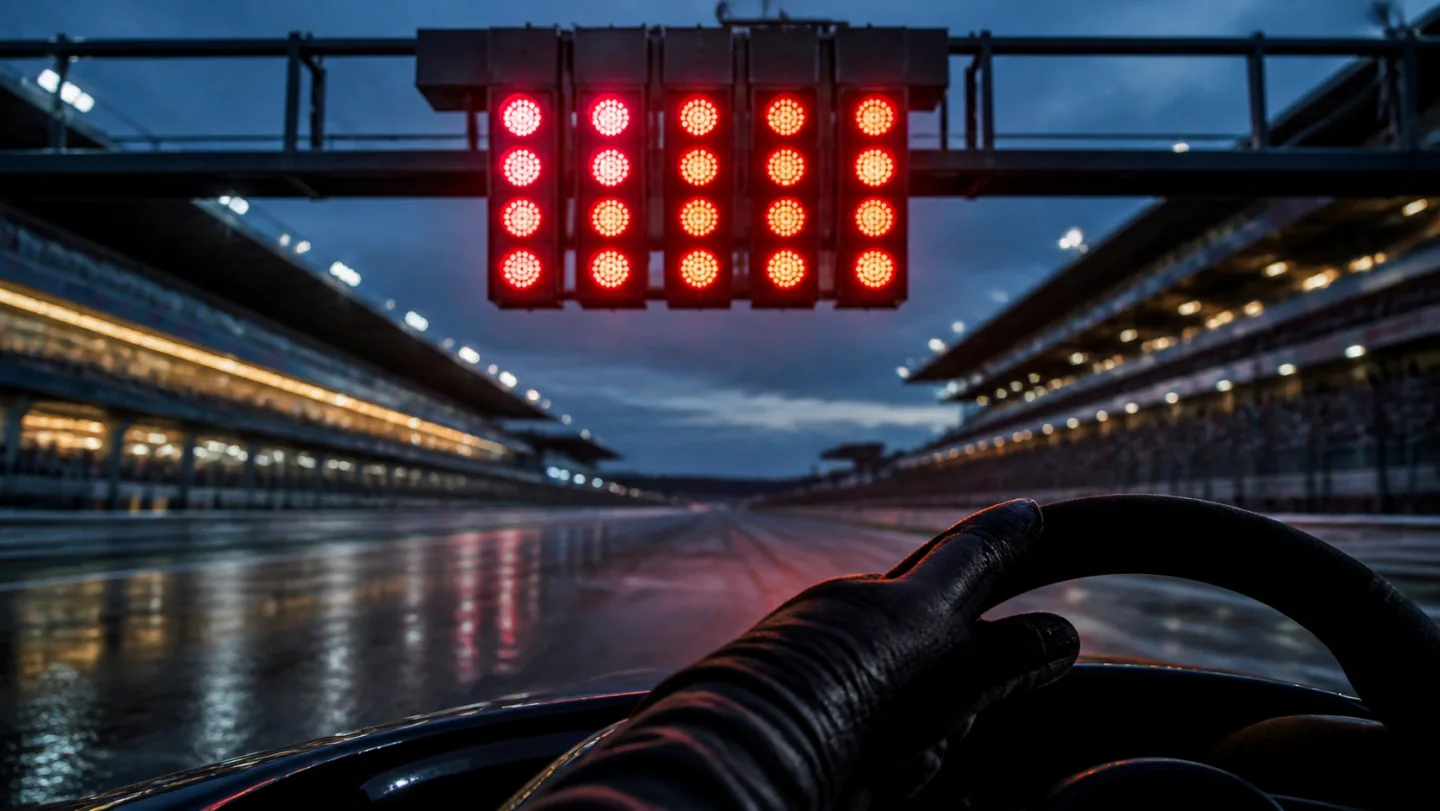 F1 Reaction Time TestPractice start-light timing and avoid false starts.
 Reaction Time for GamersSee how reflex speed fits into aim, attention, and game decisions.
More tools
More speed & skill tests
FAQ
Reaction time test questions
How can I test my reaction time?
Start the visual test, wait for the panel to turn green, then click, tap or press Space or Enter once. Complete five valid attempts and compare your average, median and best. Keep the same device and input method when repeating the test.
Can I play this as a reaction test game?
Yes. Play a five-attempt visual set or try the audio, F1, aim and color modes. Challenge yourself to repeat a faster average without guessing the cue. Compare friends using the same mode and similar devices, and keep different modes separate.
What is a good reaction time?
For context, one controlled visual reaction study reported a mean of 231 ms before hardware correction. That is not a cutoff for this browser test. A lower repeatable average on the same setup shows a faster response; compare your own sessions first.
Why do my results change every attempt?
Attention, fatigue, display refresh rate, input latency, and browser load can all move a score by tens of milliseconds.
Can I compare this with friends?
Yes, but compare on similar hardware when possible.
Does this test measure gaming skill?
It measures simple reaction speed. Games also require aiming, prediction, decisions, and movement.
Is 200 ms a good reaction time?
200 ms means you responded in one fifth of a second. It is faster than the mean in the controlled study cited below, but different tasks and devices change results. Check whether you can repeat it across a full set rather than judging one attempt.
Can I test my reaction time on a phone?
Yes. Tap to start, wait for green, then tap again. Touch input and screen delay can differ from a computer, so keep phone and desktop results separate when tracking progress.
How accurate is an online reaction time test?
The browser measures elapsed time with a high-resolution clock, but the score includes display and input delay. This site has no measured universal error margin or hardware correction. Use the same browser, device and input method for repeat comparisons.
Contact
Contact
What to include
Share bugs, feature ideas, partnership requests, or score questions. Include your device, browser, and the test mode if the issue is about timing accuracy.
For content, privacy, or partnership questions, include the page URL and a short description of the request.